Landscapes
Stellarium comes with a variety of landscapes to choose from. You can select a landscape from the Landscapes tab in the Sky and Viewing Options dialog.
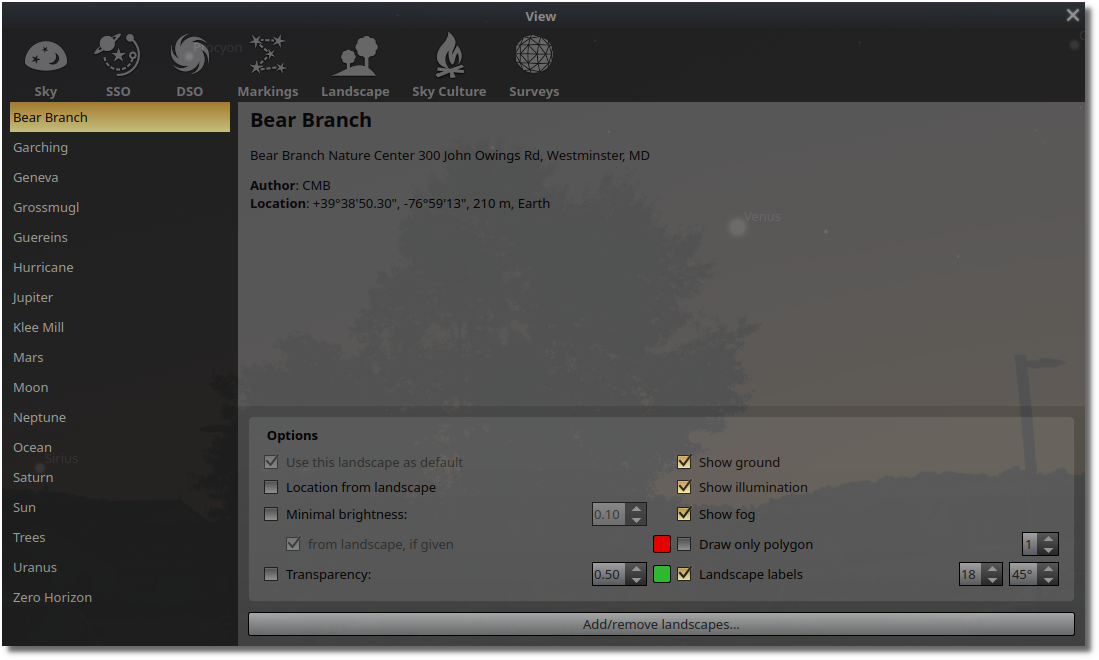
Figure 1:Stellarium Landscapes
You can also add your own landscapes by placing them in the landscapes directory in the Stellarium data directory. The data directory is located at ~/.stellarium on Linux, C:\Users\<username>\AppData\Roaming\Stellarium on Windows, and ~/Library/Application Support/Stellarium on macOS.
The landscape files include a 360-degree panoramic image with the sky set to transparent and a configuration file that defines the location and other parameters. There is a landscape for Bear Branch in the stellarium_template repository on GitHub.
The landscape configuration file should contain at a minimum the following parameters:
[landscape]
name = Bear Branch
type = spherical
maptex = bear_branch.png
angle_rotatez =-90
author = CMB
description = Bear Branch Nature Center 300 John Owings Rd, Westminster, MD

[location]
planet = Earth
latitude = +39d38'50.3"
longitude = -76d59'13.0"
altitude = 210
timezone = America/New_York
Sky Cultures
Stellarium supports a variety of sky cultures, which include different constellations, asterisms, and star names. You can select a sky culture from the Sky Cultures tab in the Sky and Viewing Options dialog. They are organized by geographical region and time period in the Exploration and Selection tab.
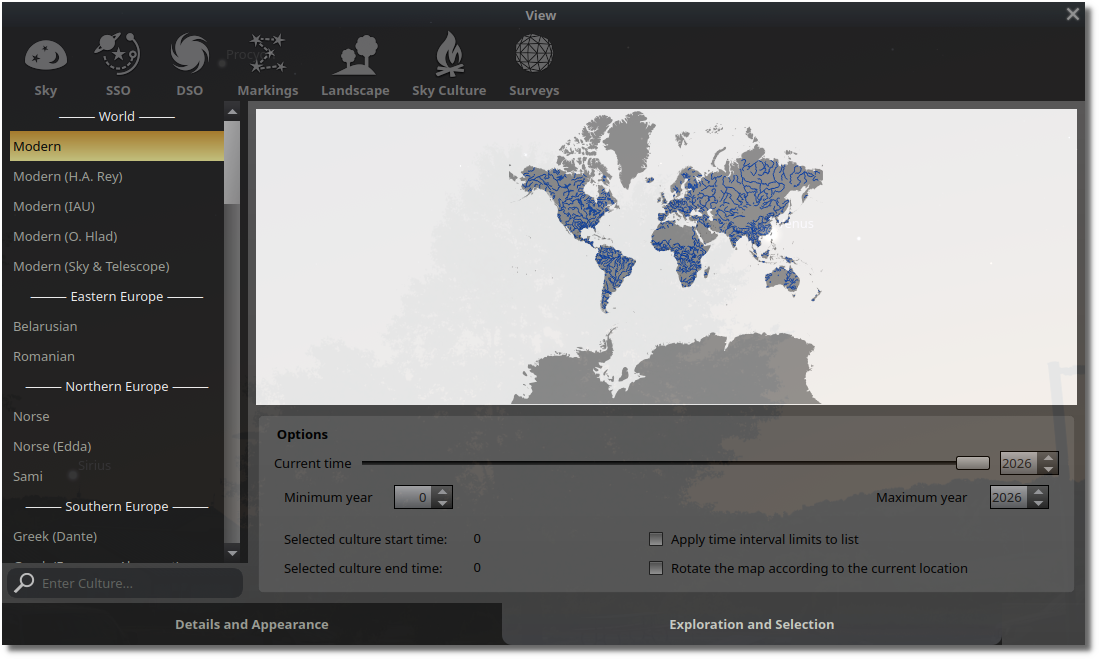
Figure 2:Sky Cultures Exploration and Selection
The Details and Appearance tab allows you to customize the display of the constellations and asterisms for the selected sky culture. You can set how the constellation lines are drawn, the color and font of the constellation labels, and the color and font size of labels, and appearance of the constellation art.
The Modern sky culture includes the IAU constellations and boundaries, which cover the entire sky as well as constellation art, asterisms, and ray helpers. The other sky cultures include only the constellations and asterisms that were recognized by the culture in question and may not include constellation art or asterisms.
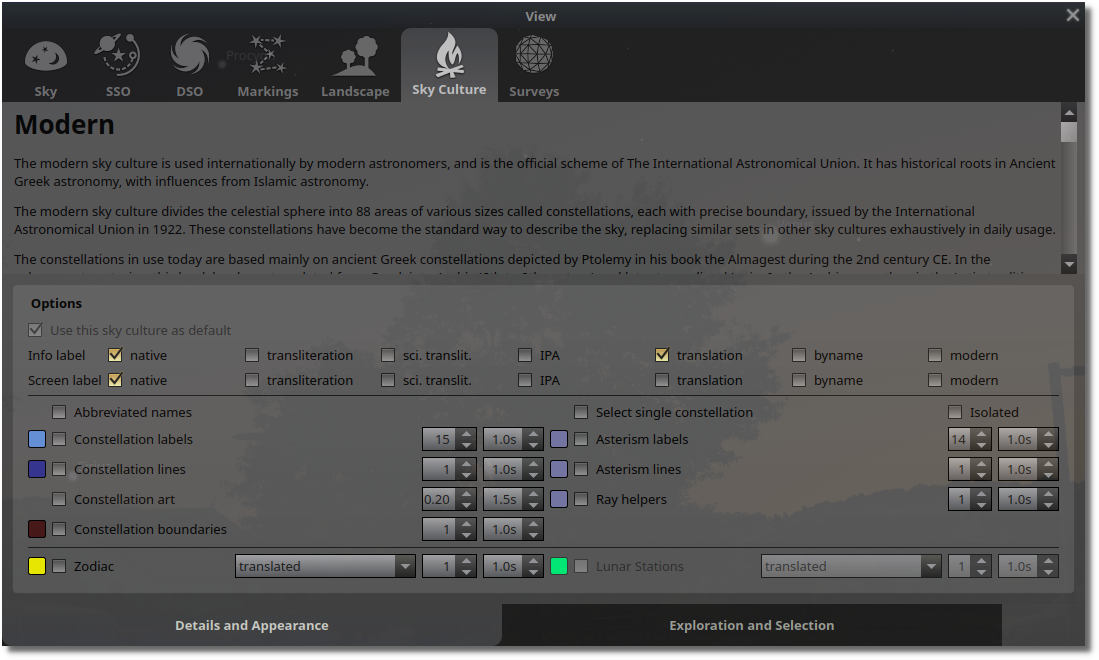
Figure 3:Sky Cultures Details and Appearance
You can also add your own sky cultures by placing them in the skycultures directory in the Stellarium data directory. The Stellarium documentation provides detailed instructions for creating your own sky culture files.